

FAQs
How do I create an account?
Updated: June 19, 2025
-
Go to firetail.app. Alternatively, to create a US instance go to us.firetail.app
-
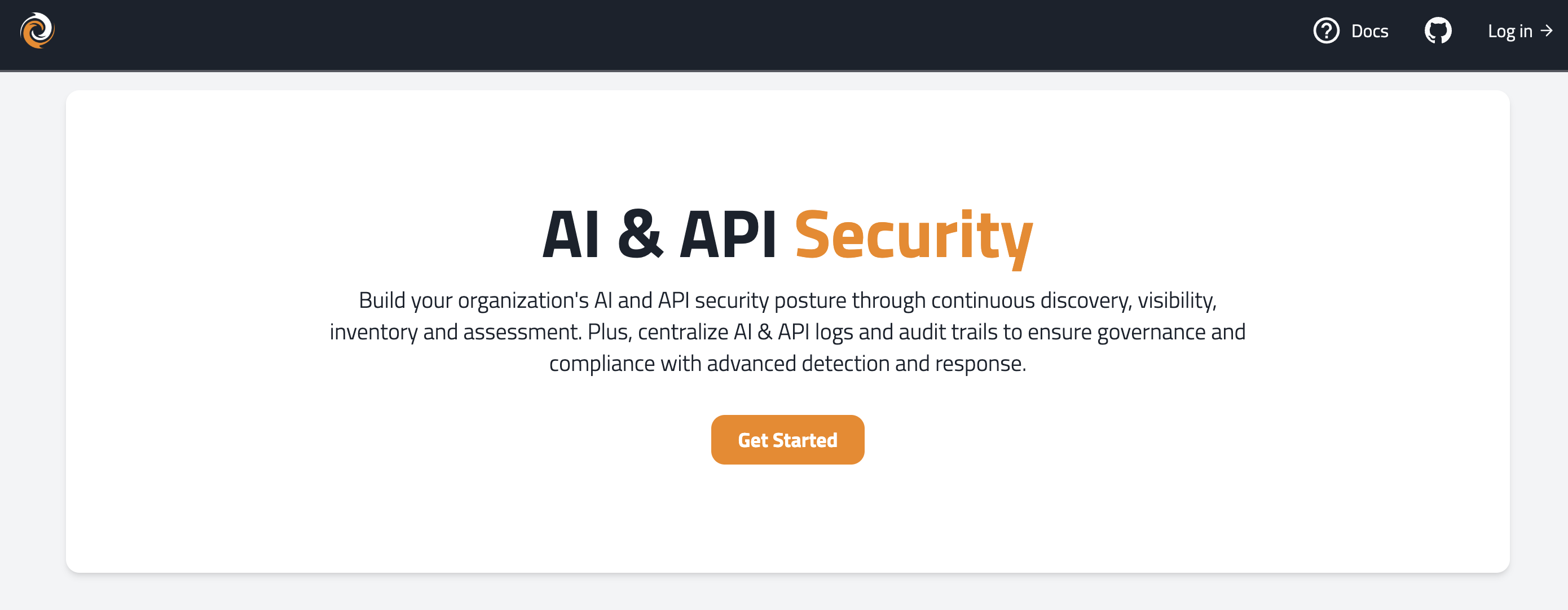
Click Get Started.
-
Click Sign up.
-
Enter an email address and password. Click Continue.
- Note: Passwords must contain:
- At least eight characters
- At least one from three of the following four categories:
- Lowercase letters.
- Uppercase letters.Numbers (0-9).
- Special characters (for example, !&%%^*).
- Note: Passwords must contain:
-
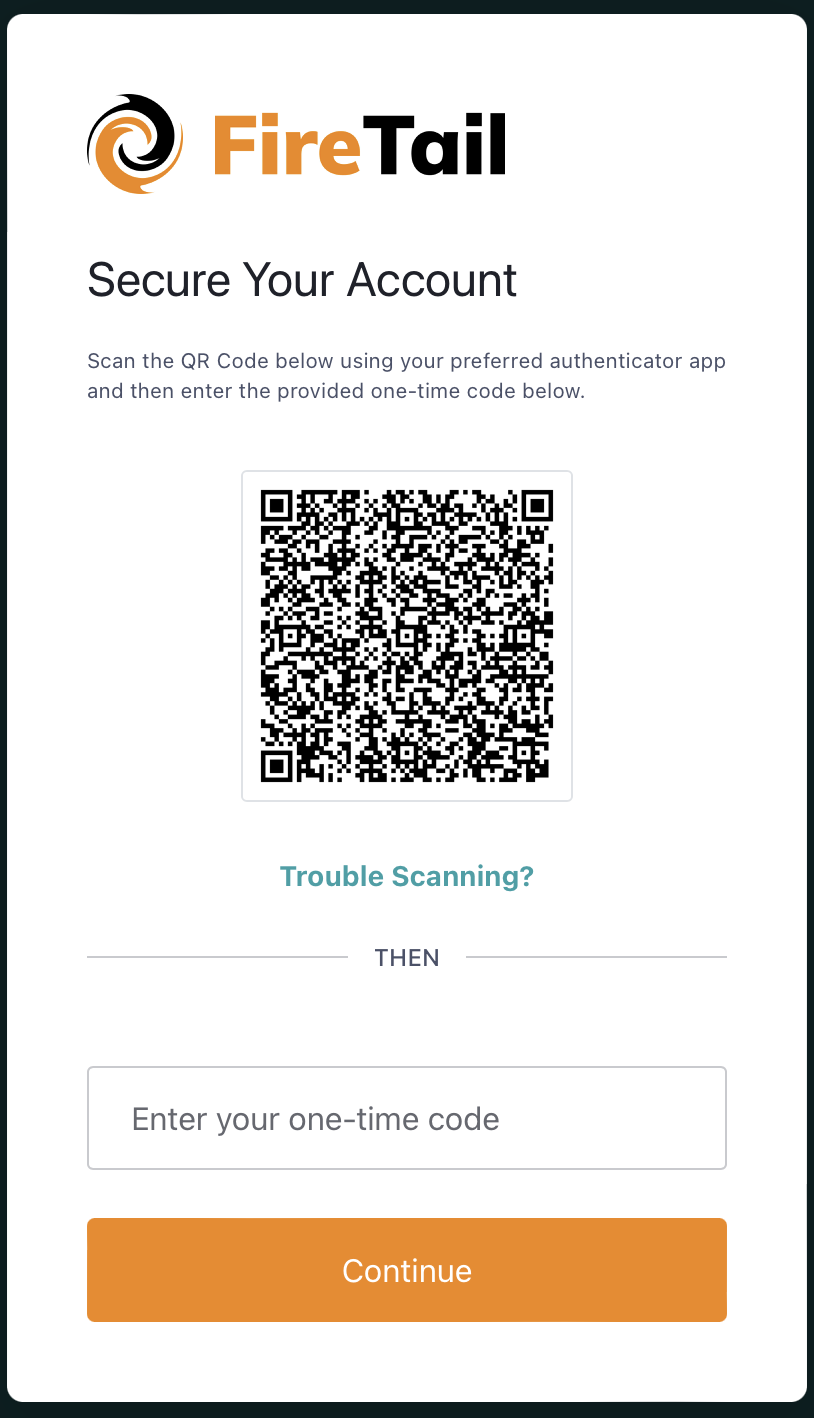
Using your preferred authenticator app (for example, Google Authenticator) scan the QR code. A one-time passcode is generated on the app.
-
Enter the generated code. Click Continue.
-
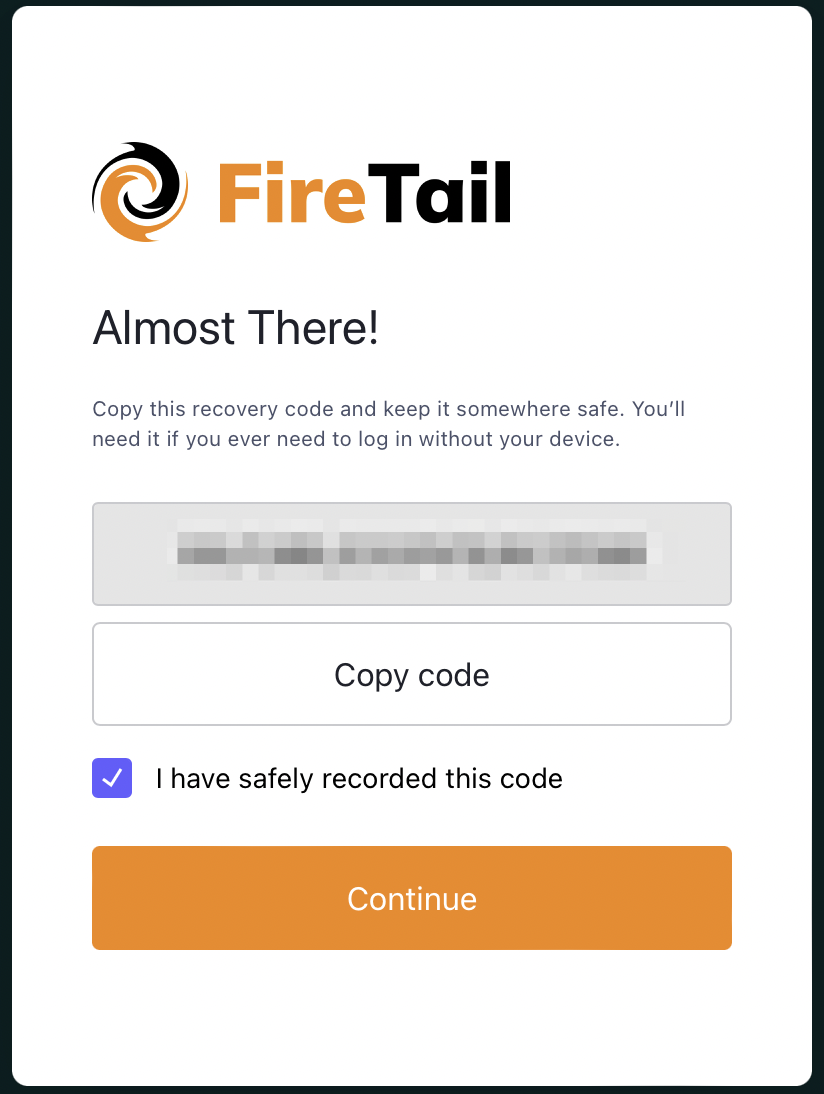
A recovery code is generated. Copy the code and store it somewhere safe (for example, a password manager).
-
Mark the checkbox to indicate that you have copied and stored the new recovery code.
-
Click Continue.
An email is sent with a verification link to activate the new account. When the account is activated you can then create an organization and add additional members to it.