
Inventory
Delete an application token
Updated: June 19, 2025
- Navigate to Applications in the FireTail platform. Click the application you want to delete the token from.
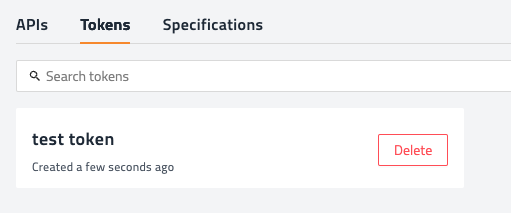
- Click the Tokens tab. Locate the required token and click Delete.
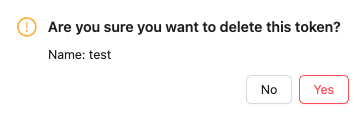
- Click Yes to confirm.